Setting up a new project
From nothing to a running component, by CLI or by preview, and what happens after.
There are four templates. Each one is a whole component: source, a Dockerfile where the language needs one, the OpenChoreo manifests, and the CI wiring.
The golden path. One command creates the Gitea repository, renders the template into it, and pushes the OpenChoreo manifests that make the platform pick it up.
./platform/templates/new-project.sh --template rails-service --name bakery
Options worth knowing:
--template   rails-service | ruby-gem | static-site | zulip-bot
--name       component and repository name, lowercase and dash-separated
--project    the OpenChoreo project that owns it   (default: same as --name)
--owner      the app.openchoreo.dev/owner label
--org        the Gitea organisation
--dry-run    render into a temp directory and stop
Start with --dry-run. It renders everything into a temporary directory and creates
nothing, so you can read the manifests before any of them reach a cluster.
Before running anything, look at what a template would produce.
Each one shows the OpenChoreo objects it declares, as a graph, with the substitutions already applied for a name you choose.
Browse the templates →This preview renders the template and stops. It shows the objects the template declares; it does not expand what each of those objects would then become in the cluster. For that, follow a construct through to its What it expands into panel.
The renderer has the same semantics as the CLI's — {{name}}-style substitution, no
conditionals, no loops — deliberately, so the preview and the real thing cannot disagree.
A template creates a Gitea repository with the source, and an openchoreo/ directory
inside it holding the platform manifests: a Project if it needs one, a Component, and
the bindings that place it in environments.
Manifest sync applies whatever the repository holds. A kubectl patch against a Component
is reverted by the next push — and it breaks the build that push triggers. Edit
apps/<name>/openchoreo/component*.yaml instead.
What happens next, and where to watch it
- 1
The push triggers a build
A build takes a couple of minutes. The build page shows its stages with cache verdicts, the trace, and per-stage logs.
- 2
Tests report themselves
If the template's language has a test plugin, every case reports its outcome, duration and failure message, and the build gets a test report of its own.
- 3
It appears in the estate
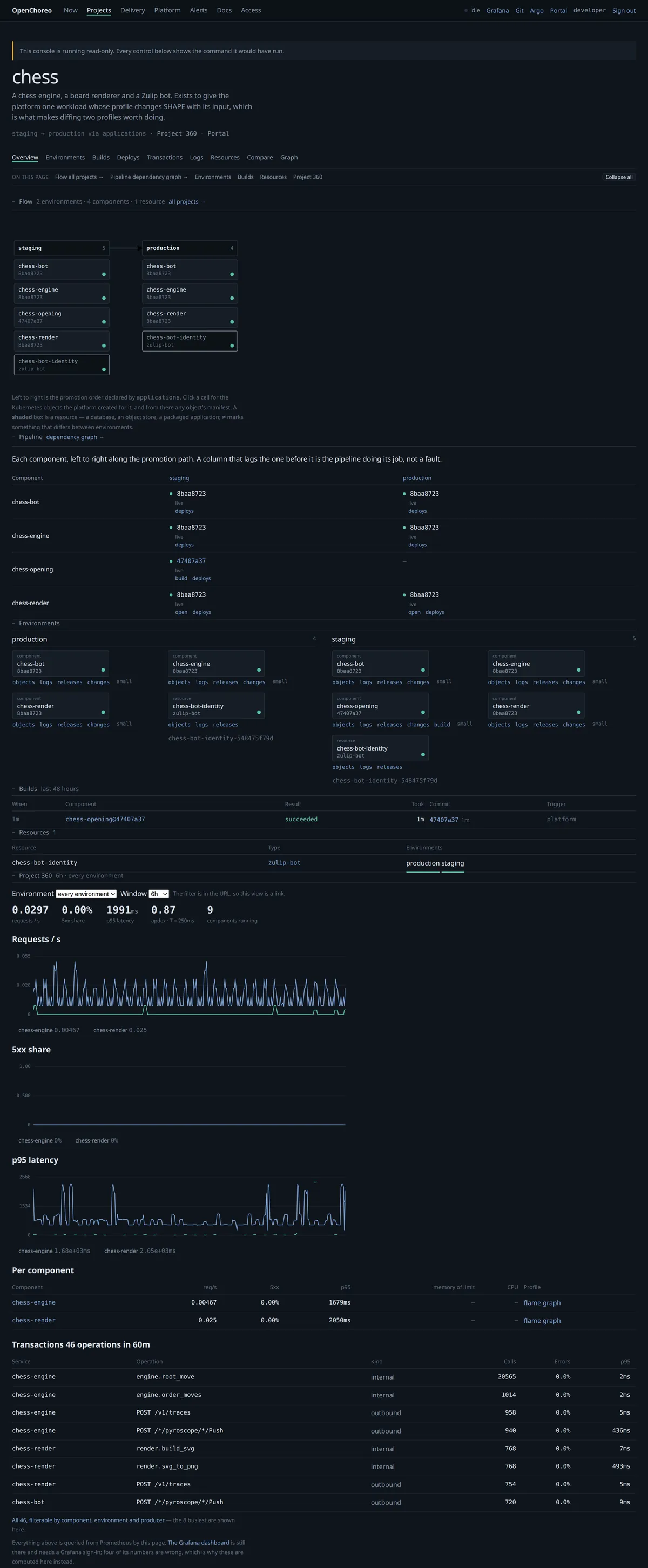
Once a binding is Ready, the component shows up as a cell in its project's flow and in the environment view — and from there you can reach its Kubernetes objects.
- 4
Promotion is a push, not a button press
Promoting writes the new release into
bindings-<environment>.yamlin the platform repository. That means a promotion is one revert away from being undone, and that is the point: the repository is the record.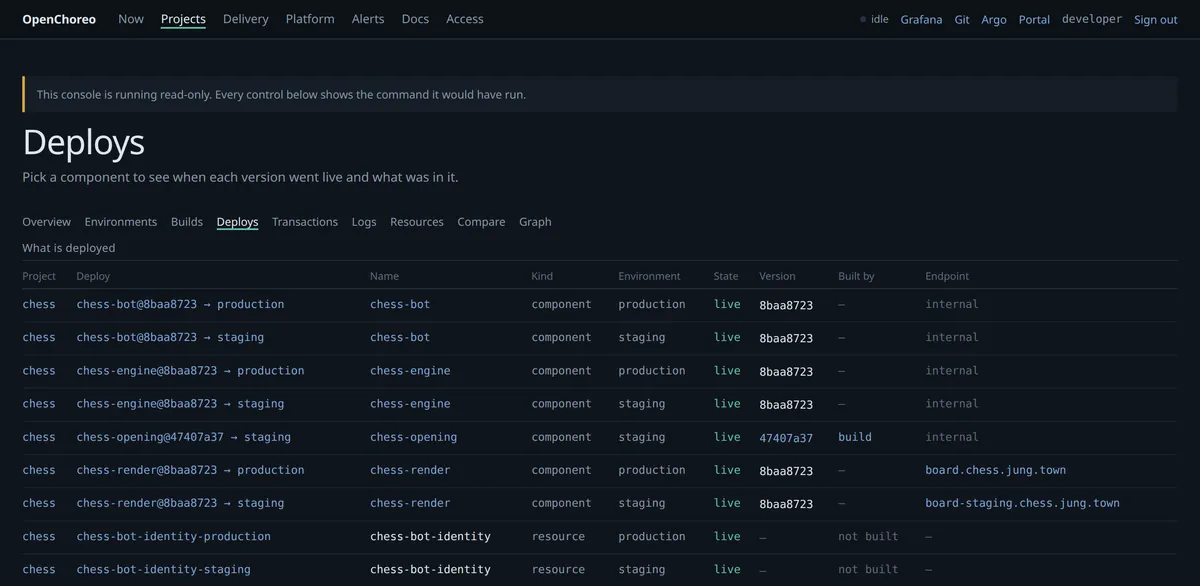
Only some environments are synced from the repository. Check which before assuming a promotion will stick — the compare page tells you what each environment is actually pinned to.